For daily reflection
Scripture meditation, one verse at a time
Scripture meditation in Bible ProJection means sitting with one verse at a time, full screen, while the next one arrives on a timer you choose. Pick a deck, press play and let the words fill the room, free in your browser.
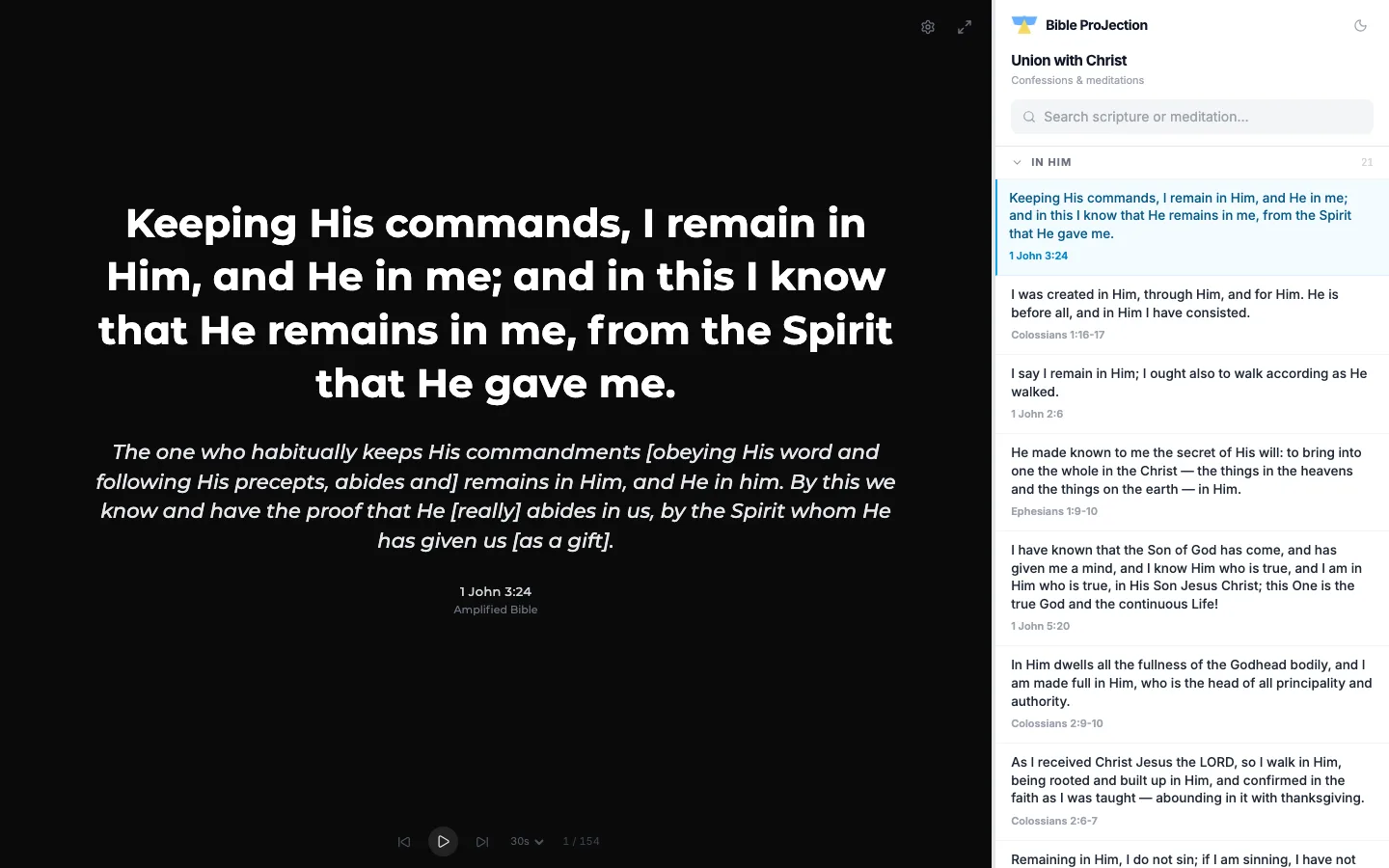
One confession, one verse
The Union with Christ deck holds 192 confessions, each a short statement paired with the verse it rests on. They are grouped into nine categories: In Christ, In Him, In Whom, In the Son, Through Him, Through Jesus Christ, With Him, Of Him and To Him. The order is shuffled each day so it stays fresh.
Set the pace
Auto-advance can move on after 30 seconds, 1, 2, 5 or 15 minutes, or 1, 3, 6 or 12 hours, and you can play, pause or step by hand. On a keyboard, the arrow keys or J and K move between confessions and Space plays or pauses. On a phone you swipe.
Focus mode hides the list so only the confession and its verse remain.
Make the space quiet
Display settings let you choose the Bible version and typeface, adjust text size, line spacing and margins, and upload a background image that you can dim with a slider.
Say it aloud
Listen mode hears what you say and finds the matching confession in the deck, so you can recite one and jump straight to it. It uses your browser's speech recognition, which needs Chrome or Edge.
Questions people ask
It means reading a short passage slowly and more than once, thinking about what it says and what it means for you. Bible ProJection helps by showing one verse at a time with nothing else on the screen.
Yes. Meditate is free to use in your browser, with no account.
You choose, from 30 seconds up to 12 hours. You can also pause, or move on by hand.
Yes. Swipe up or down to move to the next or previous confession, and left or right to change category.